It’s been a brutal stretch across the Triangle. When it’s pushing 100 degrees for weeks at a time, energy bills follow, and a lot of homeowners are opening their Duke Energy statements with a kind of grim resignation. The good news is there’s real room to cut costs without turning your house into a sauna. Most of the best summer energy saving tips aren’t about sacrifice, they’re about running your system smarter so it doesn’t have to work as hard.
Here’s what actually moves the needle.
Start With Your Thermostat Strategy
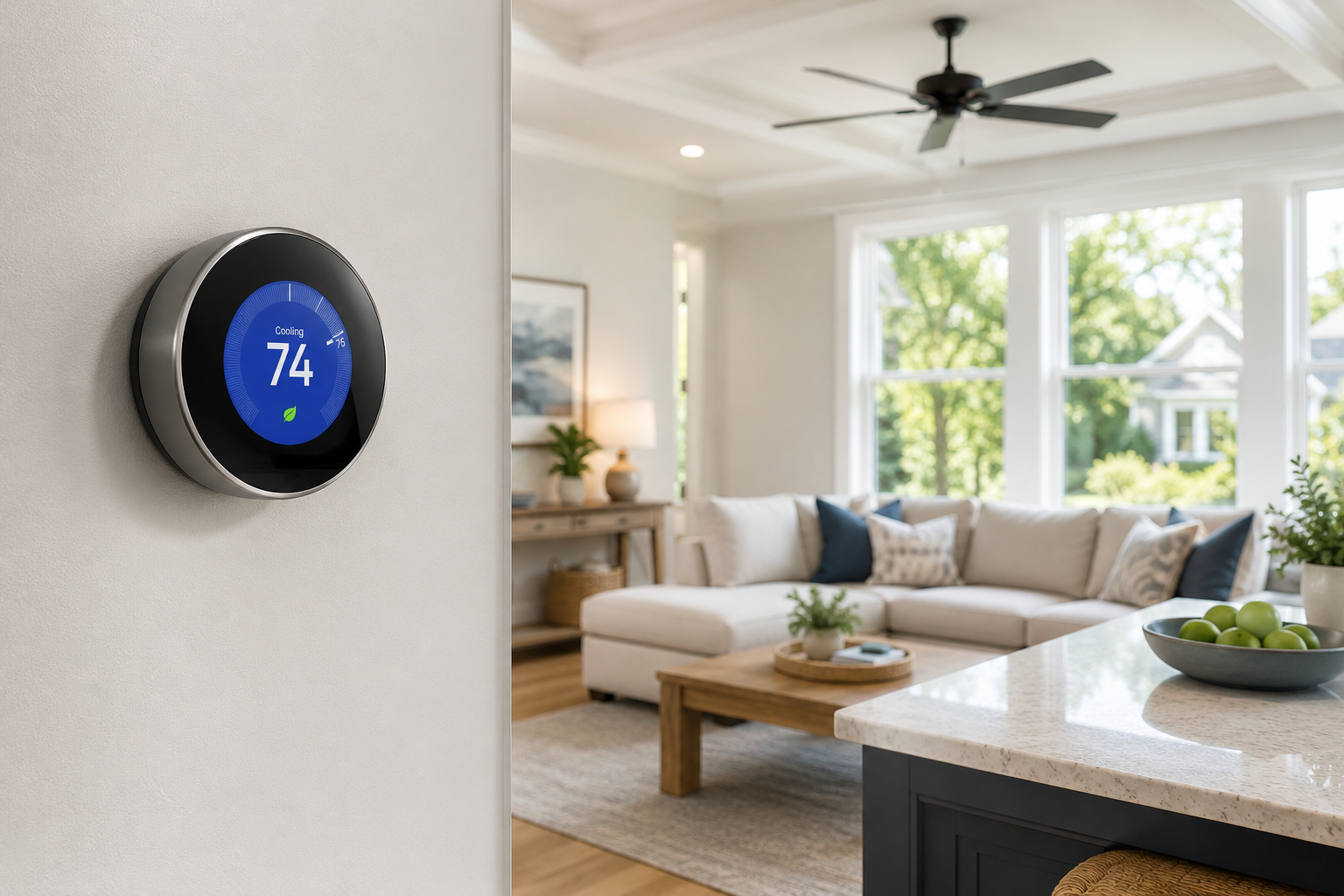
The single biggest lever most homeowners have on their summer energy bill is what they set their thermostat to and when. The Department of Energy recommends 78 degrees when you’re home and active, and higher when you’re away or asleep. Every degree you raise the set point reduces cooling costs by roughly 3 percent, so the difference between holding 72 and 78 is not trivial over a full summer.
The key is not fighting the thermostat during extreme heat. When it’s 102 outside, trying to hold 70 indoors costs a tremendous amount of energy and may not even be achievable without an oversized system burning through electricity. Setting it to 76 or 78 and using ceiling fans to compensate is almost always more efficient and plenty comfortable once you adjust.
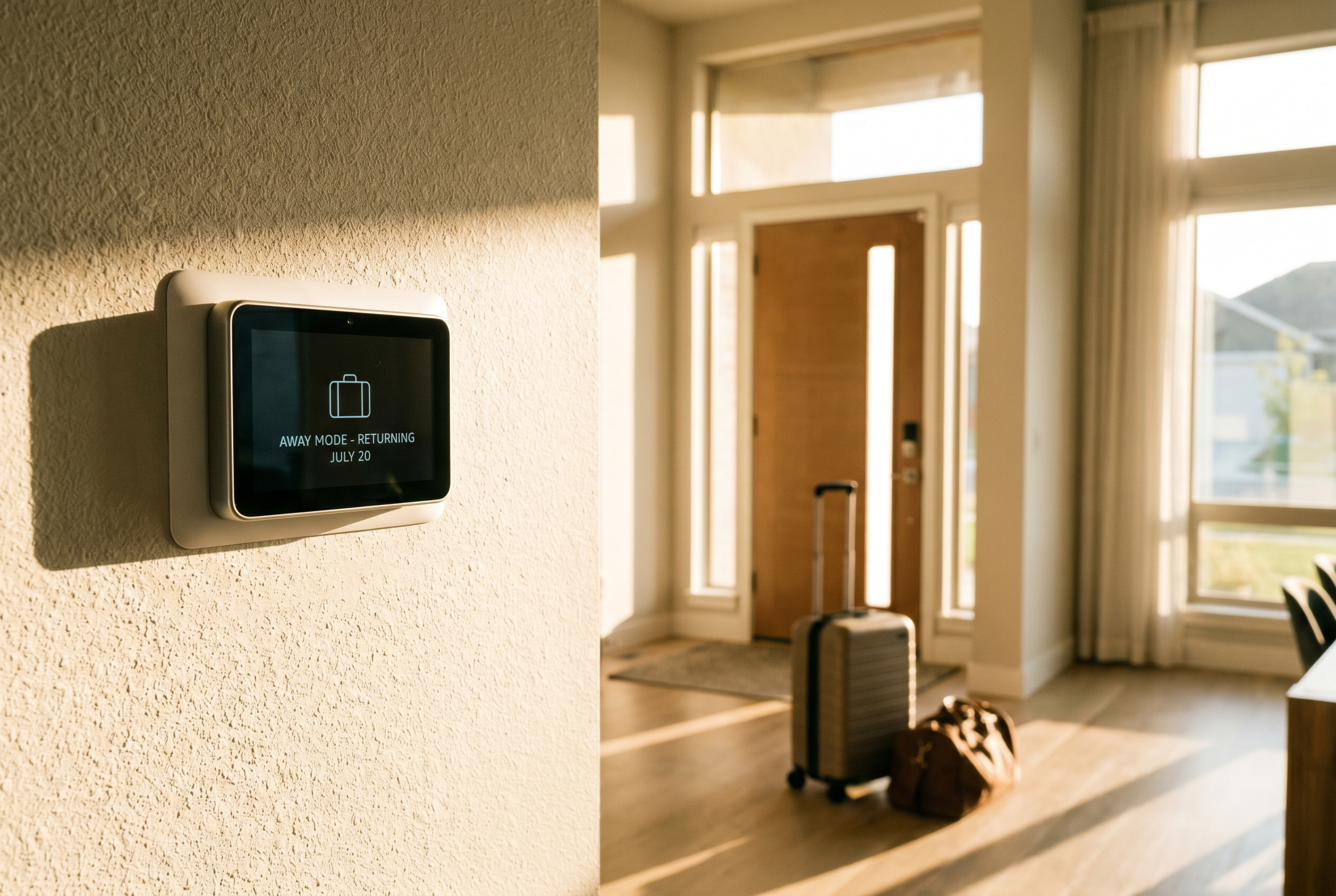
If you don’t have a smart thermostat, this is the upgrade that pays for itself fastest. Being able to set schedules, adjust from your phone, and let the system automatically raise the temperature when nobody’s home eliminates a huge amount of wasted cooling. A lot of people are surprised how much their bill drops in the first month after switching. We can talk through options when we’re out for any service visit; it’s one of those things that’s easy to add on and genuinely makes a difference.
Keep Up With the Filter
A clogged air filter is one of the most common and easily preventable reasons an AC system runs longer and harder than it needs to. When airflow is restricted, the system struggles to move conditioned air through the house efficiently, which means longer run times and higher bills for the same amount of cooling.
During summer in the Triangle, especially with the pollen and dust we deal with, filters can load up faster than people expect. Checking it monthly and replacing it when it’s visibly dirty—rather than on a fixed schedule regardless of condition—is the right approach. A clean filter costs a few dollars. The energy waste from a dirty one over a full summer is considerably more than that.
Think About Where Heat Is Getting In
Your AC can only do so much if the house is constantly absorbing heat from outside. A few things that make a bigger difference than most people realize:
Direct sunlight through windows is a major heat source during the day, especially on south and west-facing exposures in the afternoon. Keeping blinds or curtains closed on those windows during peak sun hours reduces the cooling load on your system meaningfully. It’s not glamorous advice, but it works.
Attic insulation matters more than most homeowners think. In a hot summer, an underinsulated attic can reach 150 degrees or more, and that heat radiates down through the ceiling into your living space. If your home is older and the attic hasn’t been looked at in a while, it’s worth checking. Better insulation reduces how hard your AC has to work every single day for the life of the system.
Heat-generating appliances during the hottest part of the day also add up. Running the oven, dishwasher, or dryer in the afternoon pumps heat directly into the house at exactly the wrong time. Shifting those to morning or evening is a simple habit that takes load off the system when it needs the help most.
Get the System Tuned Up
A well-maintained system runs more efficiently than a neglected one, full stop. Over time, coils get dirty, refrigerant levels drift, electrical connections loosen, and the system starts working harder than it should to produce the same amount of cooling. That extra effort shows up on your energy bill.
A professional tune-up addresses all of this. We clean the evaporator and condenser coils, check refrigerant charge, verify airflow, inspect electrical components, and make sure the system is operating the way it’s supposed to. The efficiency gains from a well-maintained system versus one that’s been running without service for a couple of years are real and measurable. If you haven’t had it serviced this season, it’s not too late. Take a look at what our preventative maintenance visits include for the specifics.
Check Your Ductwork
This one doesn’t come up enough in conversations about energy efficiency, but leaky ducts are a significant source of wasted cooling in a lot of Triangle homes. If your ducts run through an unconditioned attic and they’re leaking, you’re paying to cool air that never makes it into your living space. Studies consistently put duct leakage losses in the range of 20 to 30 percent in homes with older duct systems.
If certain rooms in your house are consistently harder to cool than others, or if your bills seem higher than they should be for the size of your home, ductwork is worth investigating. Sealing and insulating ducts properly can make a noticeable difference in both comfort and monthly costs.
Know When the System Itself Is the Problem
Sometimes the honest answer is that the system is old enough and inefficient enough that no amount of behavioral changes will get your bills where you want them. HVAC systems lose efficiency gradually over their lifespan, and a 15-year-old unit running at significantly reduced efficiency can cost substantially more to operate than a modern replacement, even before accounting for repair costs.
Current systems rated at 16 SEER2 or above are meaningfully more efficient than what most homes had installed a decade ago. If your system is aging and your summer bills keep climbing despite doing everything right, it’s worth having a conversation about whether a replacement pencils out financially. We’re not going to push you toward a new system if your current one has more life in it, but we’ll give you a straight answer either way. Check out our cooling services page for more on what replacement involves, or get in touch here to set up a visit.
Frequently Asked Questions
What temperature should I set my thermostat to in summer to save energy?
The Department of Energy recommends 78 degrees when you’re home and higher when you’re away. Every degree above your normal set point saves roughly 3 percent on cooling costs. Ceiling fans help a lot with comfort at higher thermostat settings since they make the air feel cooler without using nearly as much energy as the AC.
How much can a dirty air filter affect my energy bill?
More than most people expect. A clogged filter restricts airflow through the system, which forces it to run longer to achieve the same amount of cooling. In summer, when the system is already running hard, that inefficiency compounds quickly. Checking your filter monthly during peak cooling season is one of the easiest and cheapest things you can do to keep bills in check.
Does a smart thermostat actually save money?
For most households, yes. The savings come from eliminating the wasted cooling that happens when nobody’s home, building in setback schedules automatically, and giving you visibility into how the system is running. Most homeowners recoup the cost of a smart thermostat within the first cooling season, sometimes sooner.
How do I know if my AC system is running inefficiently?
A few signs: your bills are climbing year over year without obvious changes in usage, the system runs constantly without keeping up, certain rooms are much harder to cool than others, or the equipment is more than 12 to 15 years old. If any of those apply, it’s worth having someone come take a look rather than just paying higher bills indefinitely.